
Responsible Email Extraction Guide
Use EmailMagnet responsibly by documenting source context, qualifying emails before outreach, respecting opt-outs, and following privacy and anti-spam rules.
Published .
Last updated .
Quick answer
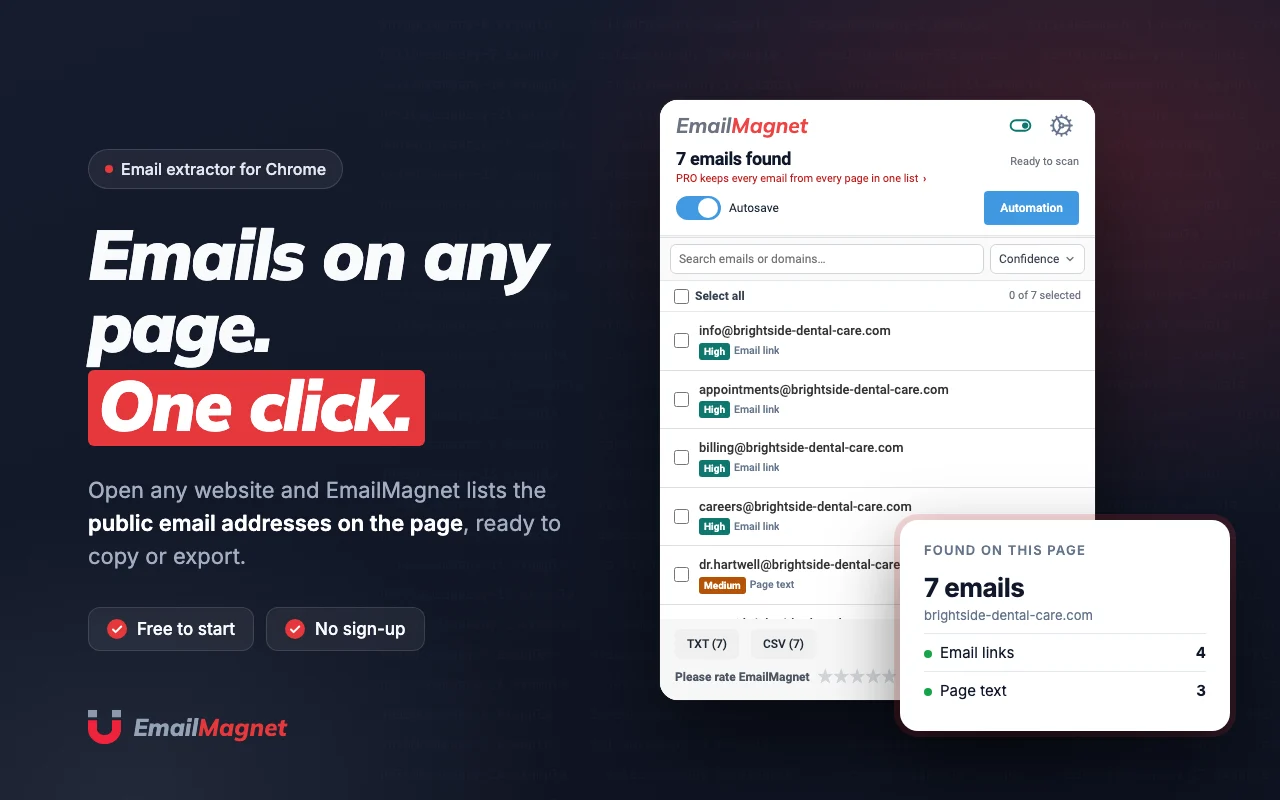
EmailMagnet helps you collect emails. Lawful purpose, relevant outreach, opt-outs and privacy and anti-spam rules stay your responsibility.
At a glance
- Follow applicable laws such as GDPR and CAN-SPAM.
- Contact people with legitimate, relevant intent.
- Keep records accurate and remove outdated entries.
Document source context
Keep the source URL, extraction date, and reason for collecting each list so your team can explain where contacts came from. This is especially important when the list is handed to another person, uploaded to a CRM, or revisited weeks after the original research session.
Filter before sending
Do not turn raw extraction into automatic outreach. Review fit, remove low-confidence contacts, exclude irrelevant personal addresses, and respect opt-out requests. The safest workflow treats extraction as research input, not as permission to message every detected address.
Use official compliance references
Privacy and anti-spam requirements vary by jurisdiction. Use official sources and legal advice when workflows involve regulated data, cross-border campaigns, personal data, or recurring outreach lists.
Official reference: FTC CAN-SPAM compliance guide
Keep reading
- Getting started with EmailMagnetInstall EmailMagnet in Chrome, open a relevant website, extract visible emails, review results, and export your first contact list in minutes.
- Exporting Emails with EmailMagnetLearn when to export EmailMagnet results as CSV or TXT, how to review addresses first, and how to prepare cleaner lists for spreadsheets or CRM handoff.
Our own software
EmailMagnet, Volume Control PRO and ClickPilot AI on the Chrome Web Store, Countdown321 on the Shopify App Store. We build, publish and maintain them ourselves.
- EmailMagnetChrome Web StoreChrome extension for finding and extracting emails while browsing.
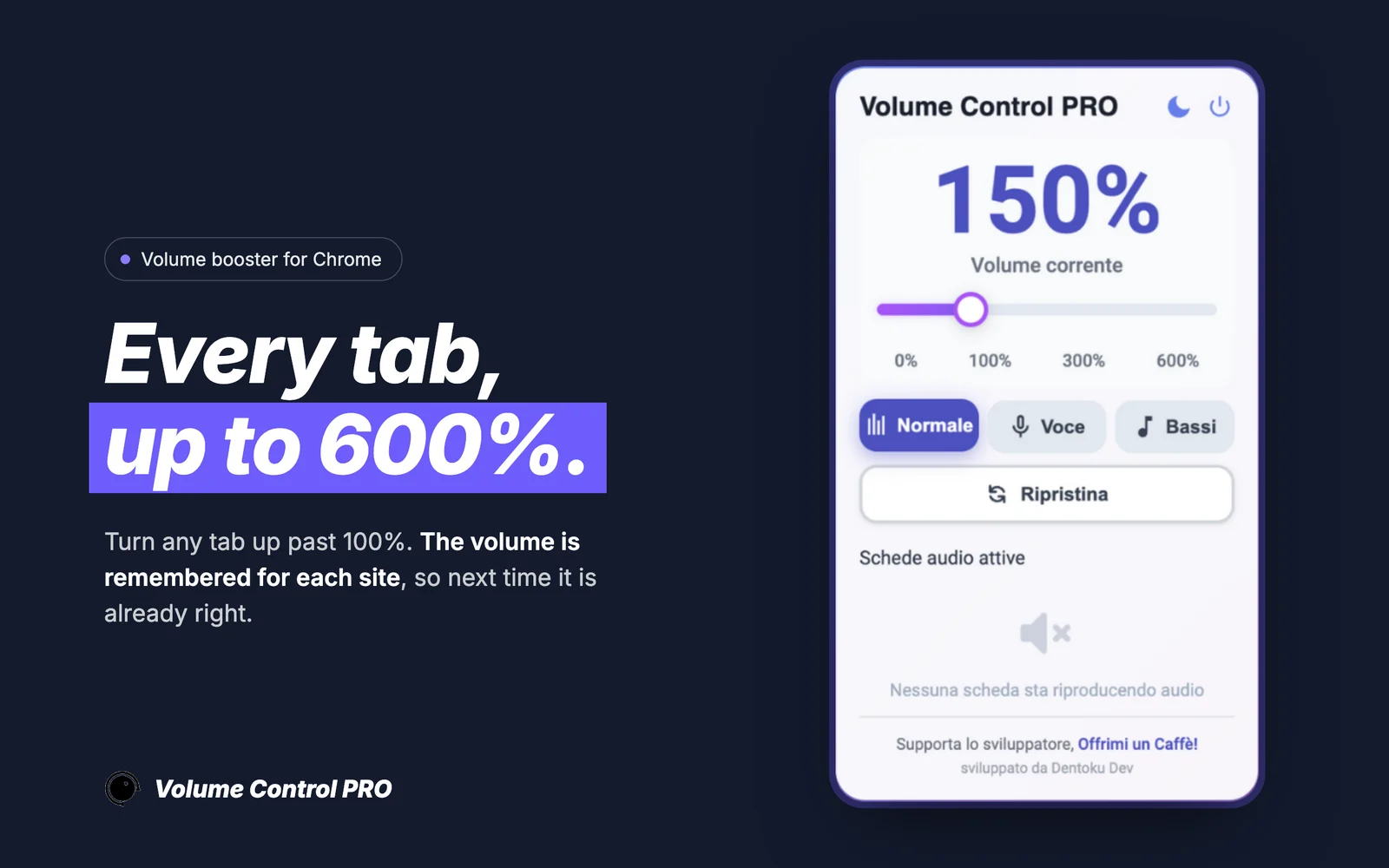 Volume Control PROChrome Web StoreAudio booster for Chrome tabs with up to 600% amplification and per-site volume memory.
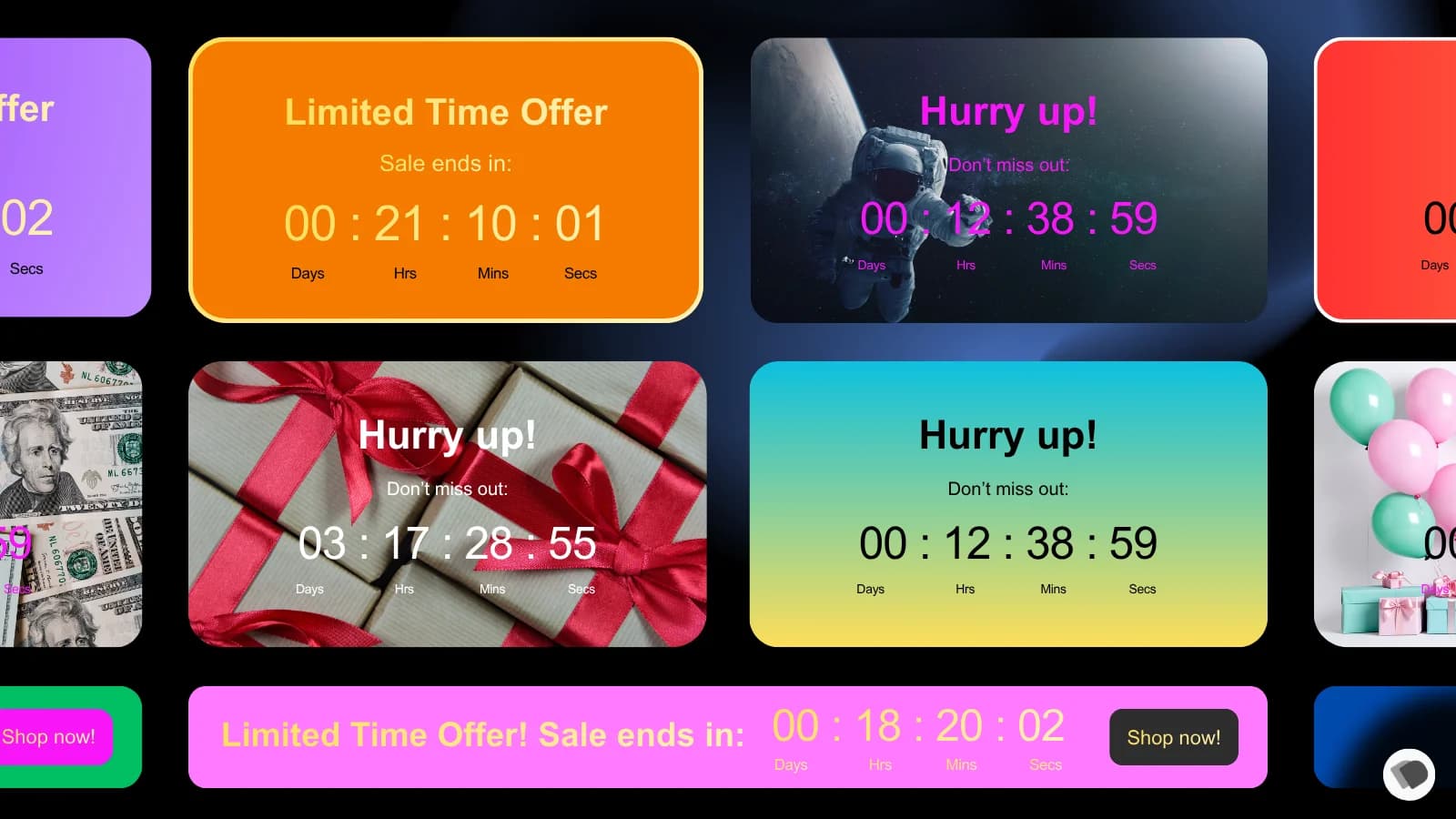 Countdown321Shopify App StoreShopify app for countdown and time-based storefront messaging.
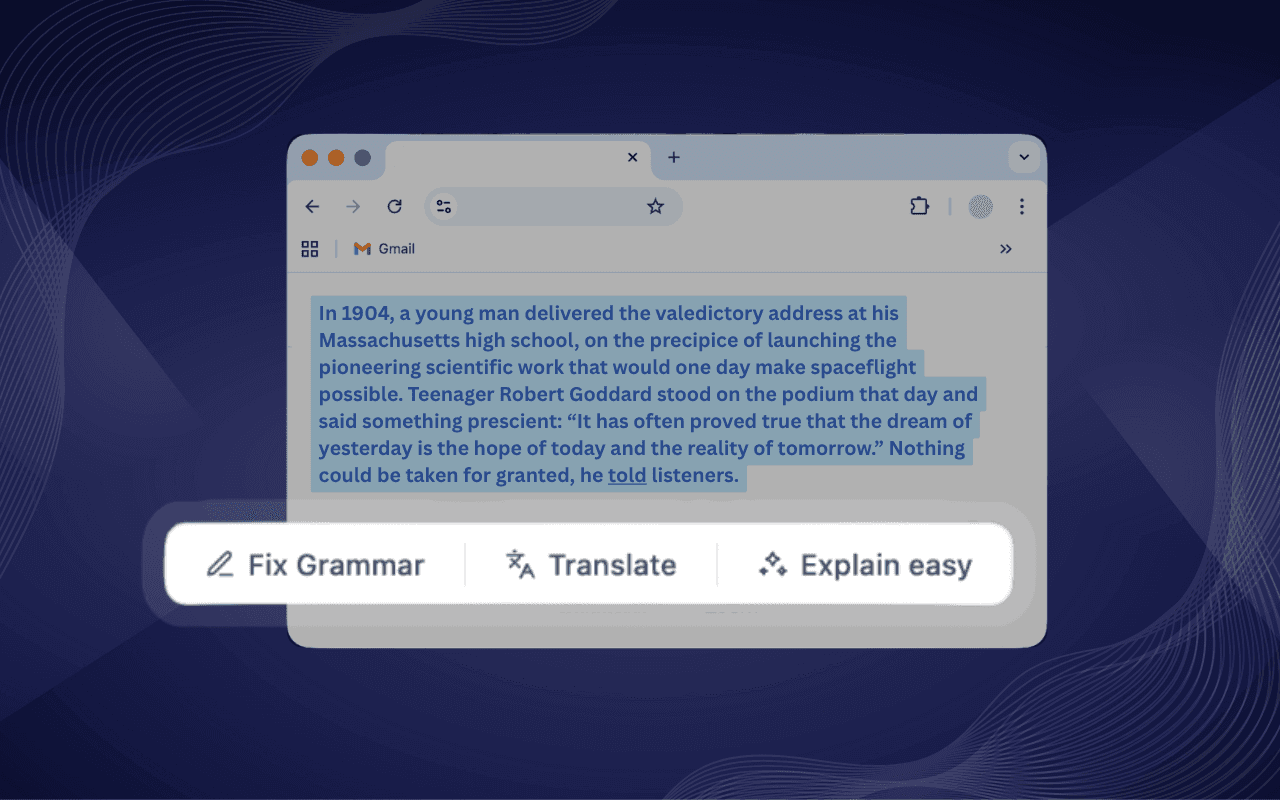 ClickPilot AIChrome Web StoreAI writing assistant for Chrome with fix, rewrite, summarize, translate, and custom shortcut actions inside text fields.
The written proposal says what we build, what it costs and when it is ready, and it starts from the hours repetitive work costs you today.
Start from your hours.
Today it costs you hours a month.
Four questions, one minute. The proposal starts from that number.
Count your hours