
Chrome volume control with per-site memory
Quick answer
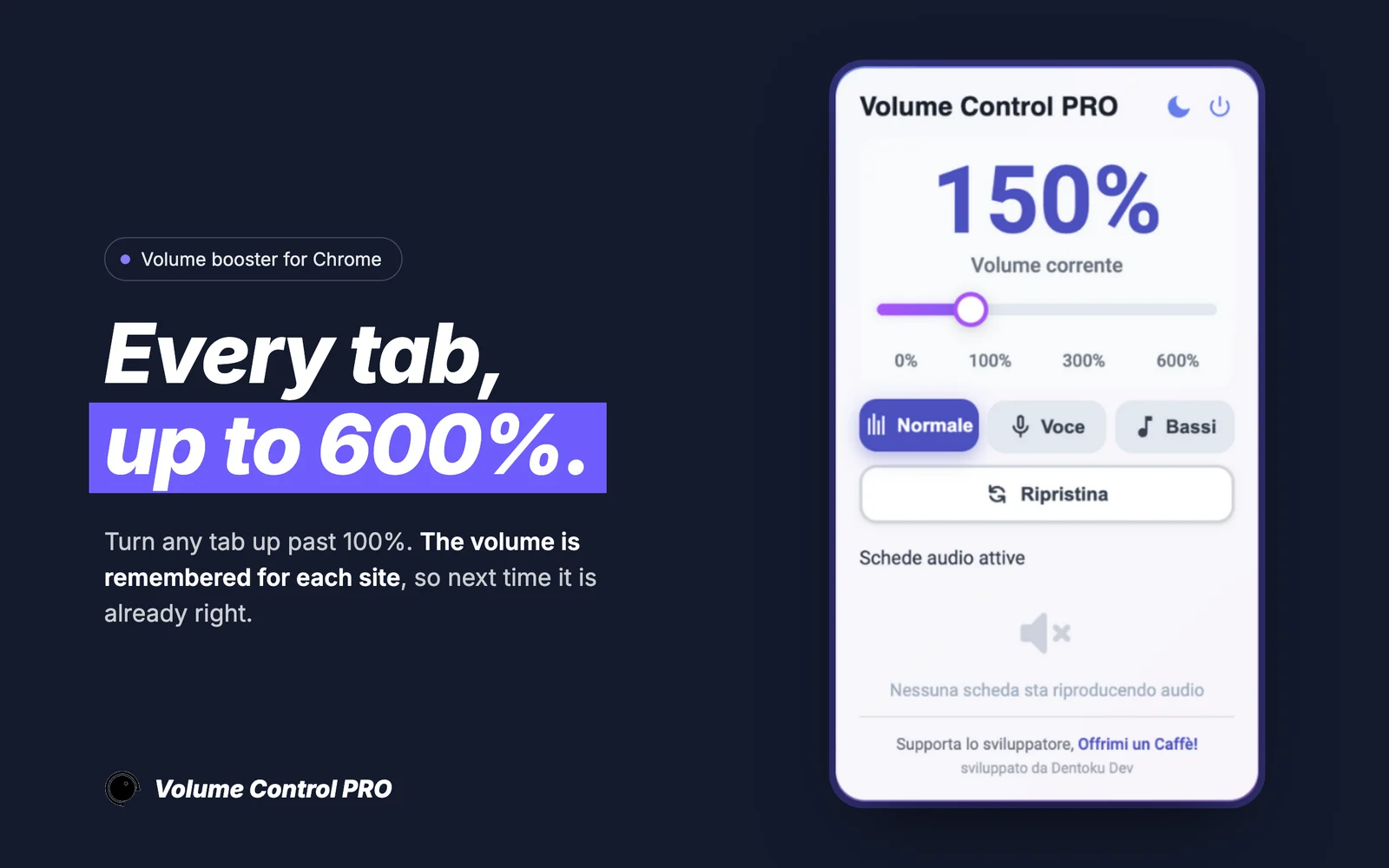
Volume Control PRO is a Dentoku Dev volume control extension for Chrome. It gives every tab its own audio level from a single slider, remembers the level you picked for each site, and can raise quiet audio up to 600% without touching your system volume.
Best-fit use cases
- Set one site loud and another quiet, then leave them that way.
- Raise quiet tutorials, webinars, and calls up to 600%.
- Keep system and other-app volume exactly as it was.
- Reopen a site later and find the level you already chose.
| Search intent | Product fit | Recommended page |
|---|---|---|
| Chrome volume control extension | Product fitVolume Control PRO | Recommended page/volume-control-pro |
| control volume of one tab | Product fitPer-tab volume control | Recommended page/volume-control-pro/tab-volume-control |
| boost volume above 100% | Product fitAmplification up to 600% | Recommended page/volume-control-pro/chrome-volume-booster-600 |
Volume control, not just a boost slider
Chrome gives you one volume for everything, so a quiet lecture and a loud autoplay video share the same setting. Volume Control PRO adds the missing layer: a level per site, applied the moment you set it, remembered for the next visit.
Why per-site memory matters
Most listening is repeat listening. The sites you return to daily each have their own baseline loudness, so setting a level once per site removes the adjustment entirely. The extension stores that choice locally and reapplies it when you come back.
What it does not change
This is a browser extension, so it controls audio inside Chrome tabs only. It is not a system-wide equalizer and not an audio recorder. Your operating system volume, your other applications, and your audio device settings are left alone.
Install size, languages, and privacy
The extension is around 44 KB and is localized in English, German, Spanish, French, Italian, Japanese, and Korean. Its Chrome Web Store disclosure states the developer does not collect or use your data. It is free to install with no ads and no subscription, and an optional Audio Studio PRO upgrade unlocks the advanced audio tools for a one-time payment.
Keep reading
Our own software
EmailMagnet, Volume Control PRO and ClickPilot AI on the Chrome Web Store, Countdown321 on the Shopify App Store. We build, publish and maintain them ourselves.
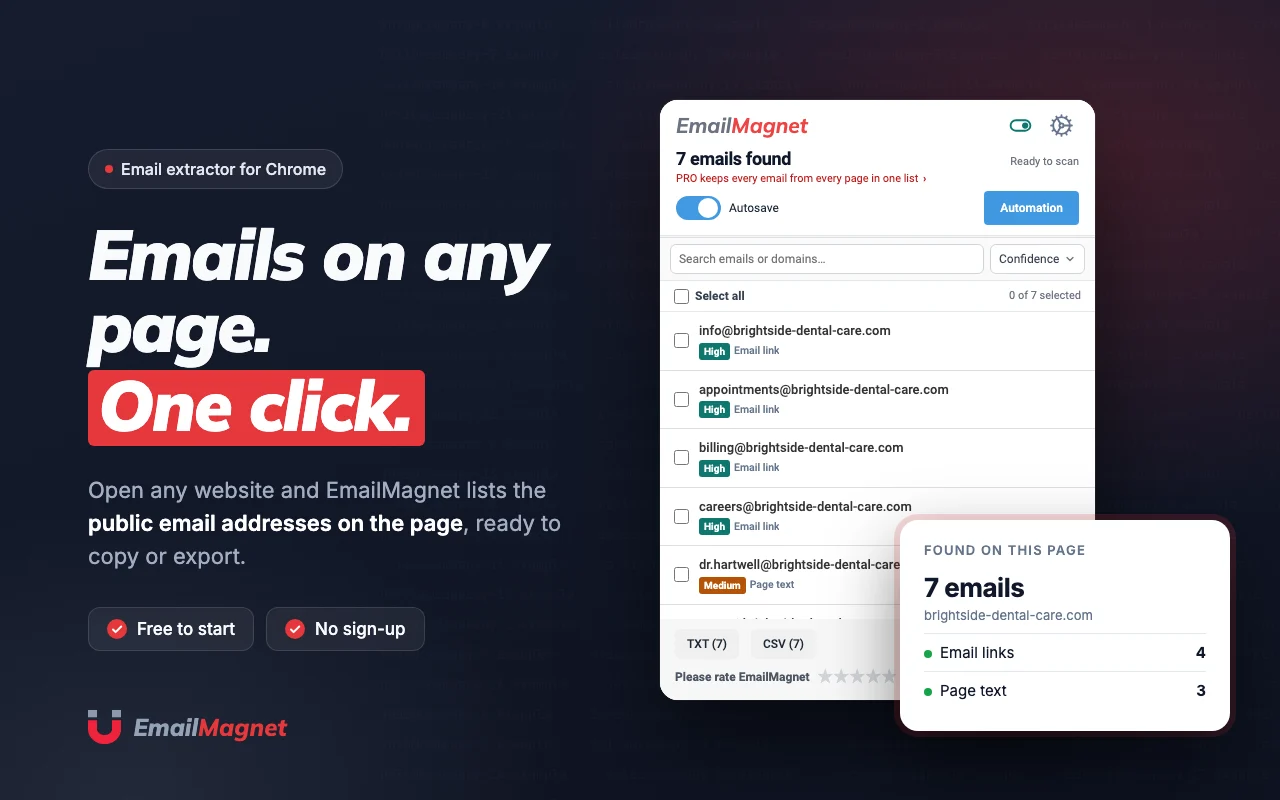 EmailMagnetChrome Web StoreChrome extension for finding and extracting emails while browsing.
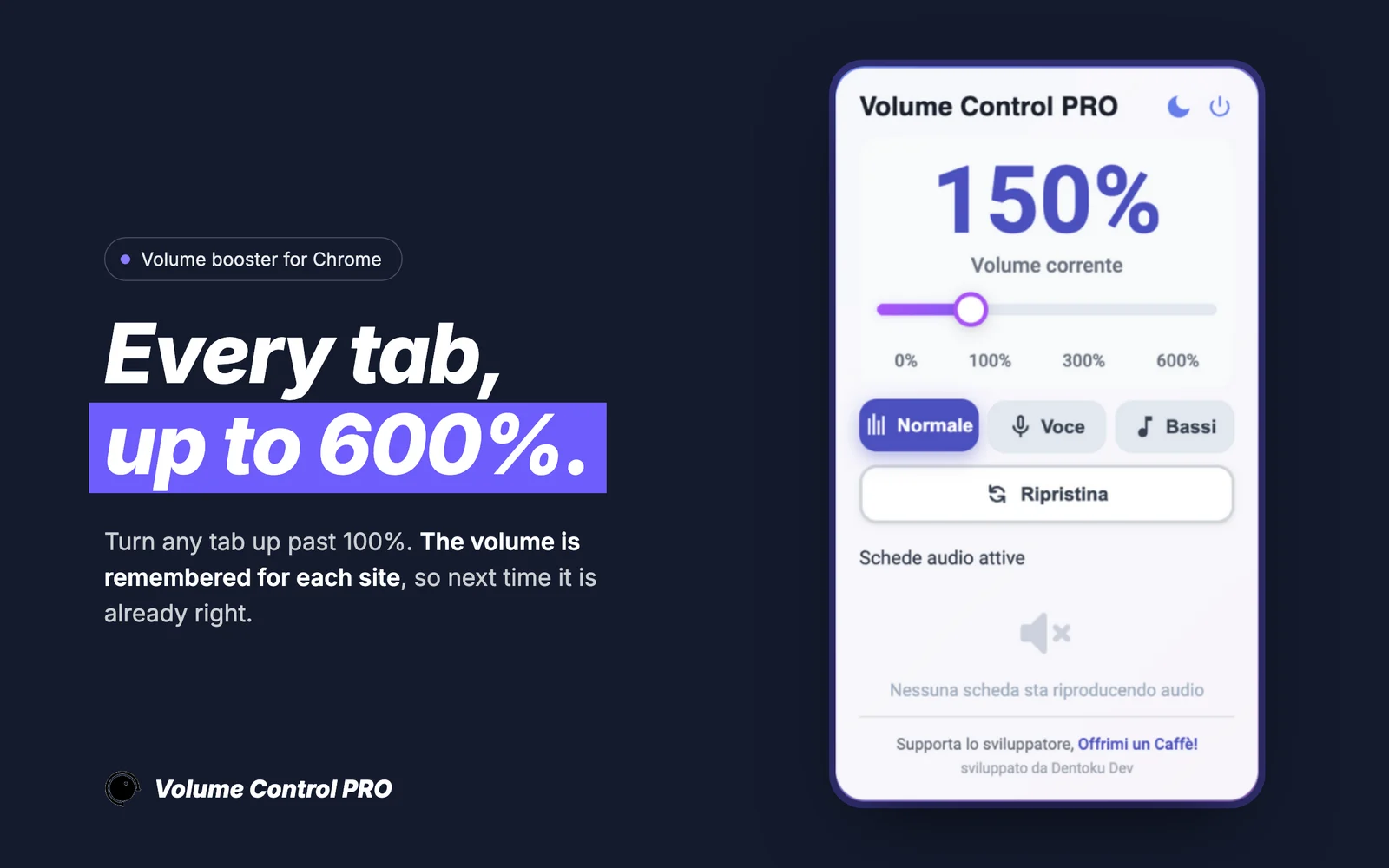 Volume Control PROChrome Web StoreAudio booster for Chrome tabs with up to 600% amplification and per-site volume memory.
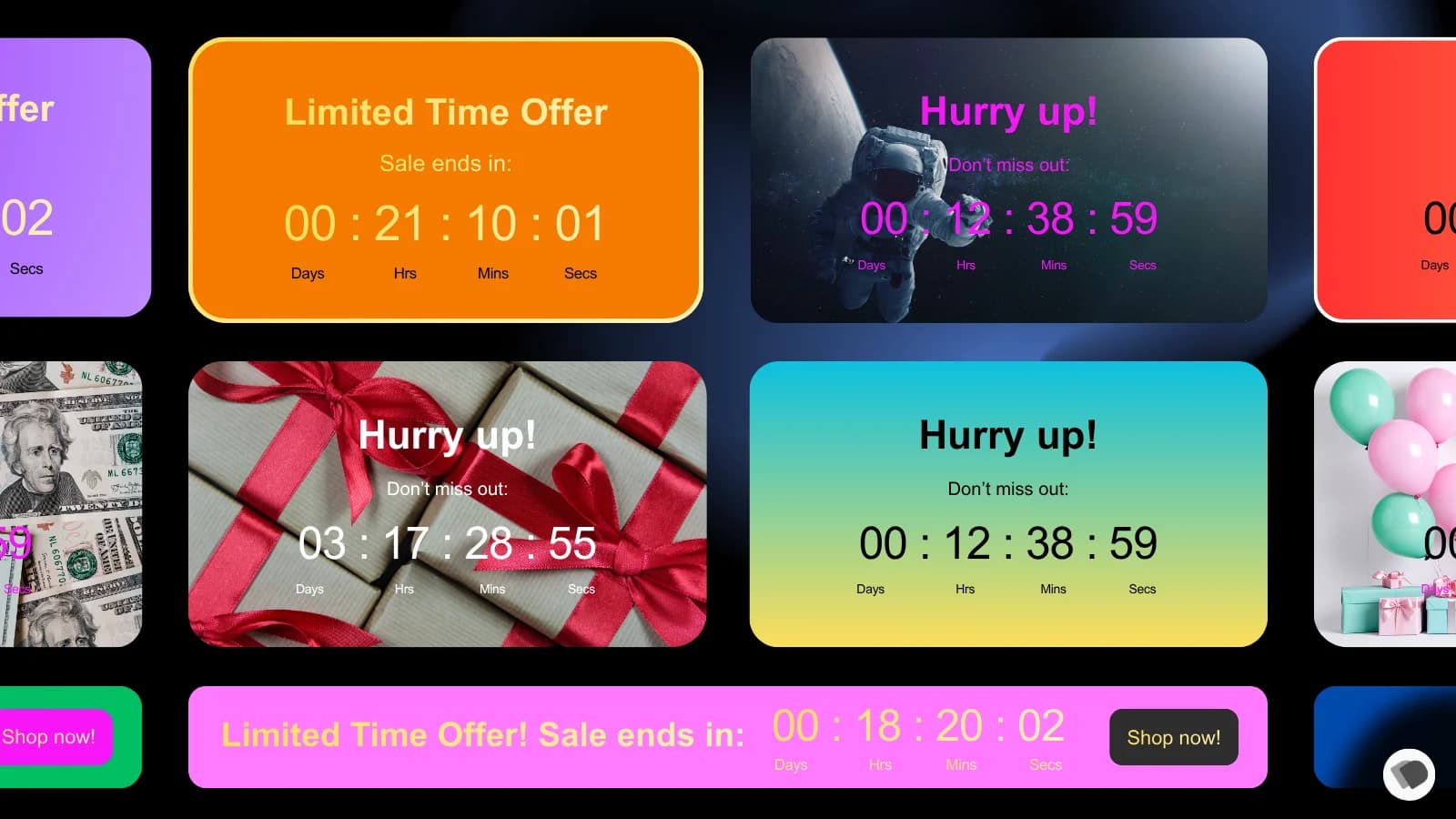 Countdown321Shopify App StoreShopify app for countdown and time-based storefront messaging.
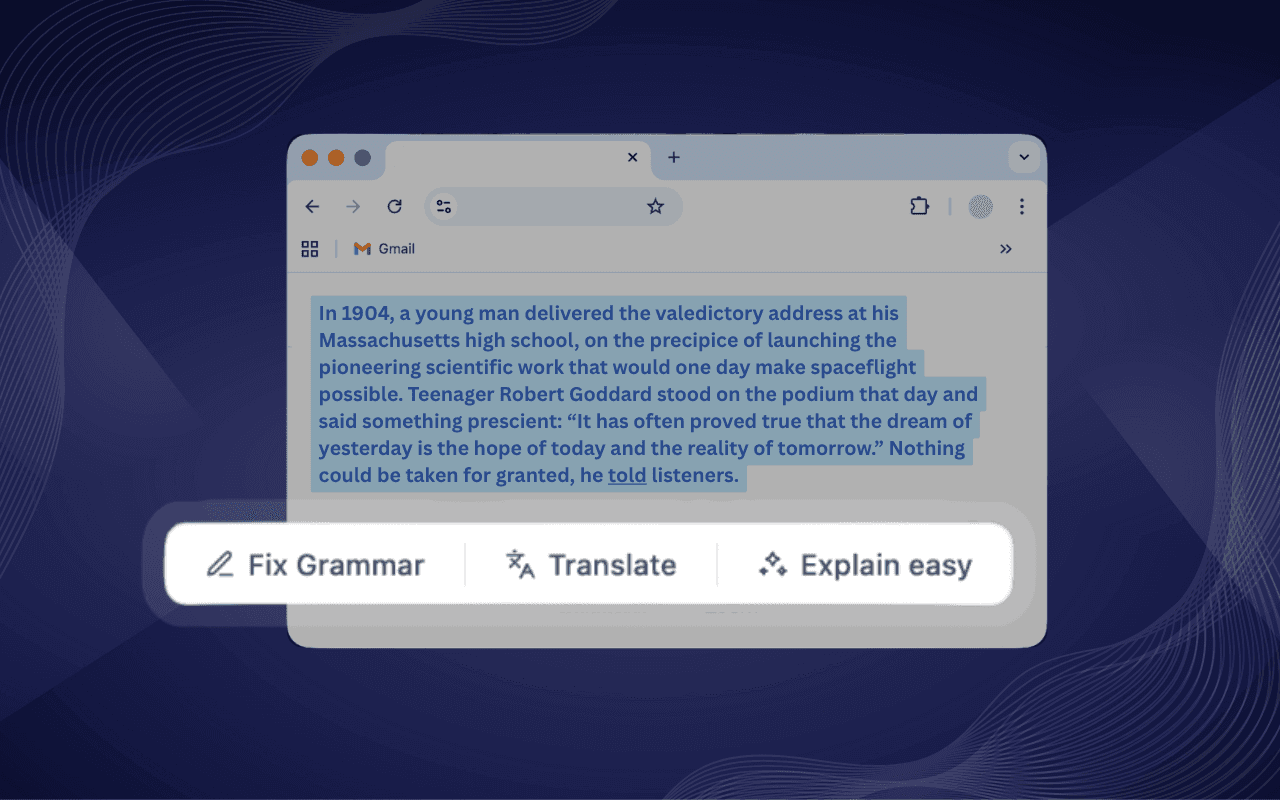 ClickPilot AIChrome Web StoreAI writing assistant for Chrome with fix, rewrite, summarize, translate, and custom shortcut actions inside text fields.
The written proposal says what we build, what it costs and when it is ready, and it starts from the hours repetitive work costs you today.
Start from your hours.
Today it costs you hours a month.
Four questions, one minute. The proposal starts from that number.
Count your hours