
Tab volume control for Chrome, one level per tab
Quick answer
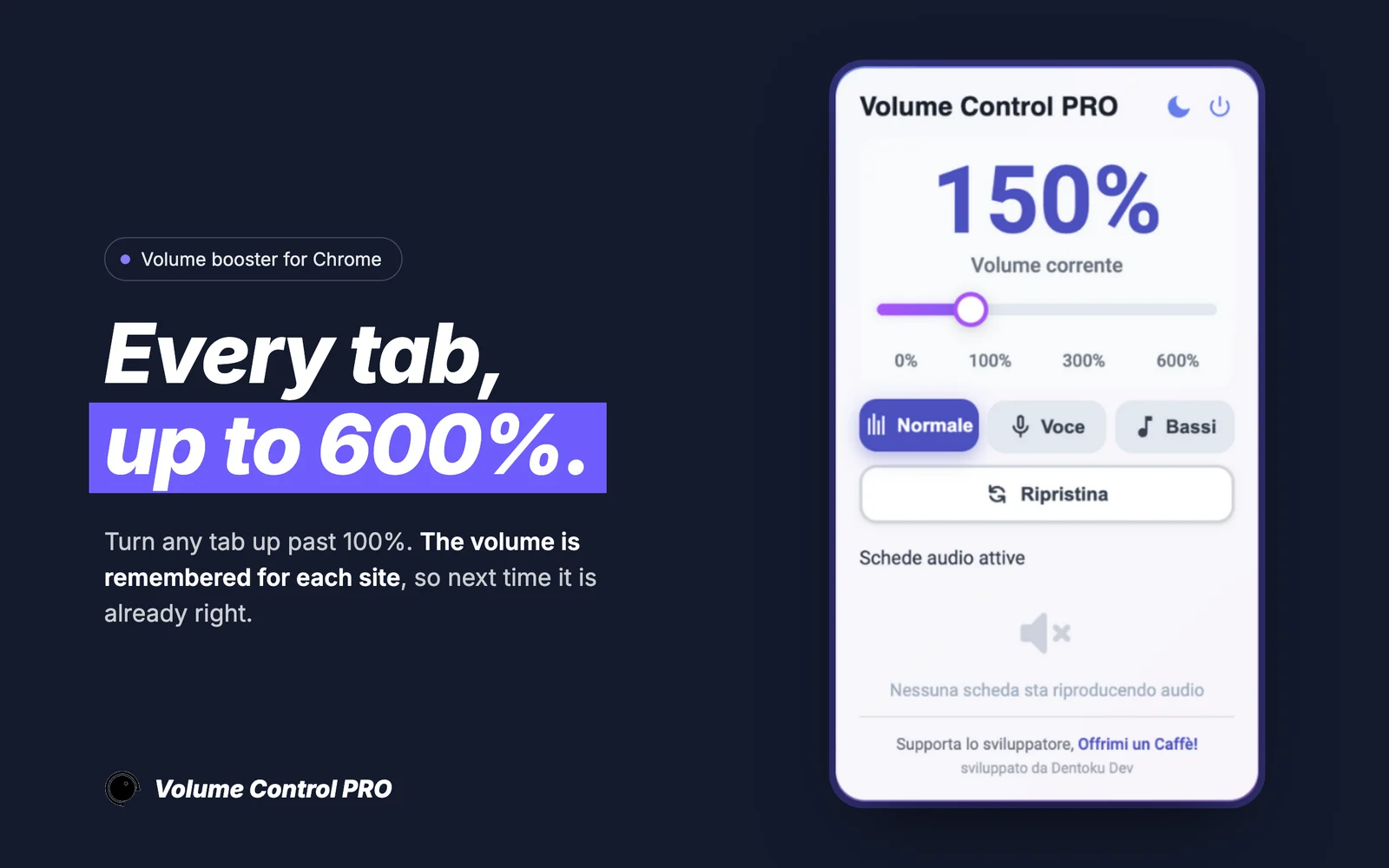
Volume Control PRO is a Dentoku Dev Chrome extension that controls volume per tab. Instead of one volume for the whole browser, each tab gets its own level from the extension popup, and quiet tabs can be amplified up to 600%.
Best-fit use cases
- Turn down a loud tab without turning down the quiet one.
- Amplify a single quiet tab up to 600% and leave the rest alone.
- Adjust the tab you are listening to without leaving the page.
- Balance a call in one tab against music in another.
| Search intent | Product fit | Recommended page |
|---|---|---|
| tab volume control extension | Product fitVolume Control PRO | Recommended page/volume-control-pro |
| volume control extension for Chrome | Product fitPer-site volume control | Recommended page/volume-control-pro/chrome-volume-control-extension |
| make a quiet tab louder | Product fitAmplification up to 600% | Recommended page/volume-control-pro/chrome-volume-booster-600 |
Why per-tab control is the thing people want
The usual problem is not that the browser is too loud or too quiet, it is that two tabs disagree. A meeting in one tab and a video in another need different levels, and the system slider cannot tell them apart. Per-tab control is what actually solves it.
How it works while you browse
Open the extension on the tab you want to change, move the slider, and the change applies immediately to that tab. The level is tied to the site, so it survives a reload and comes back the next time you open it.
Where boosting has limits
Amplification works well on YouTube and most HTML5 media sites. Some players restrict how much an extension can change playback, and certain Spotify Web playback scenarios are limited this way. When a site limits boosting, the extension falls back gracefully rather than breaking playback.
Browser tabs only, by design
Volume Control PRO works inside Chrome tabs. It does not touch your system volume, other applications, or your audio device, and it is not an equalizer or a recorder. Its store disclosure states the developer does not collect or use your data.
Keep reading
Our own software
EmailMagnet, Volume Control PRO and ClickPilot AI on the Chrome Web Store, Countdown321 on the Shopify App Store. We build, publish and maintain them ourselves.
 EmailMagnetChrome Web StoreChrome extension for finding and extracting emails while browsing.
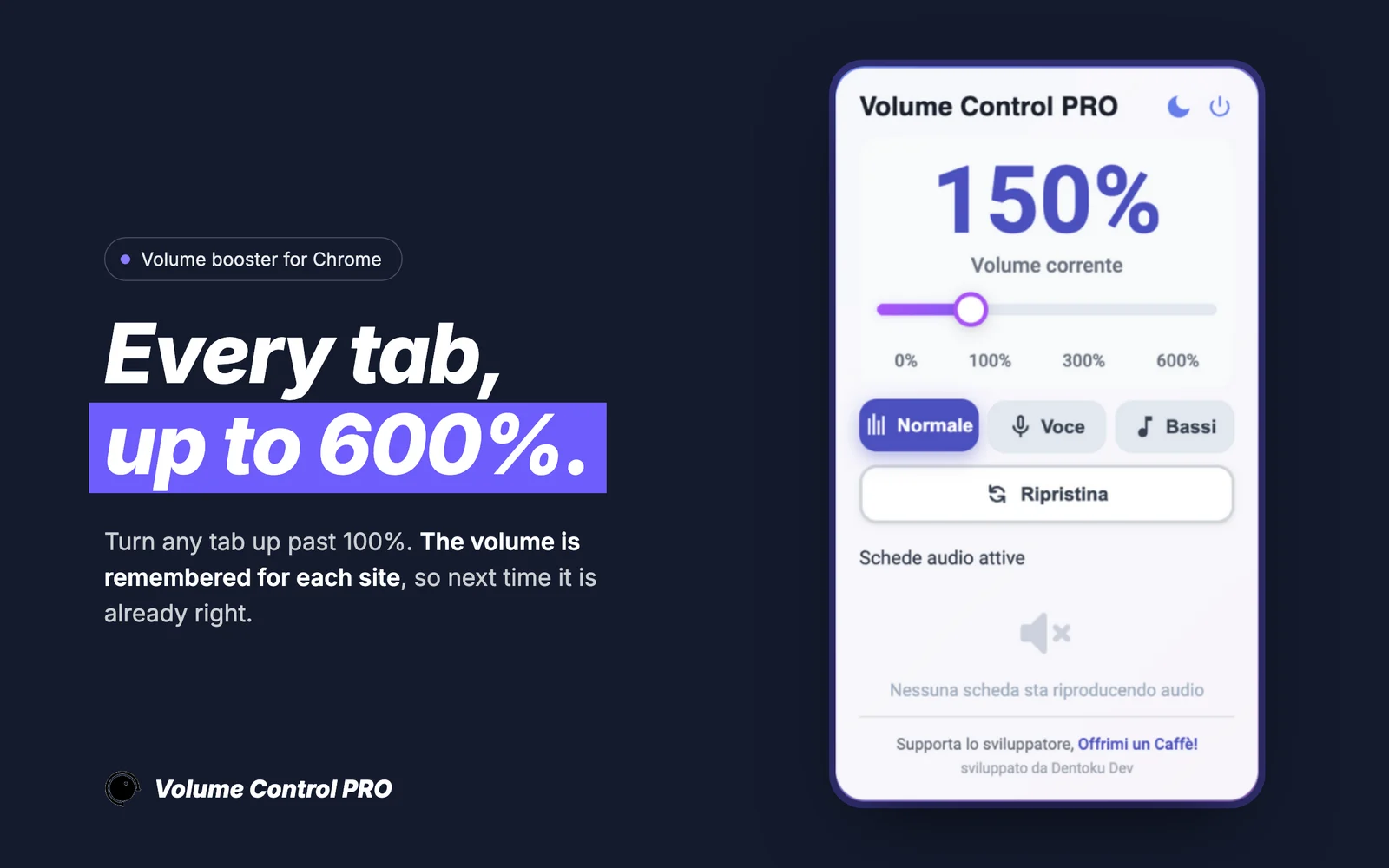 Volume Control PROChrome Web StoreAudio booster for Chrome tabs with up to 600% amplification and per-site volume memory.
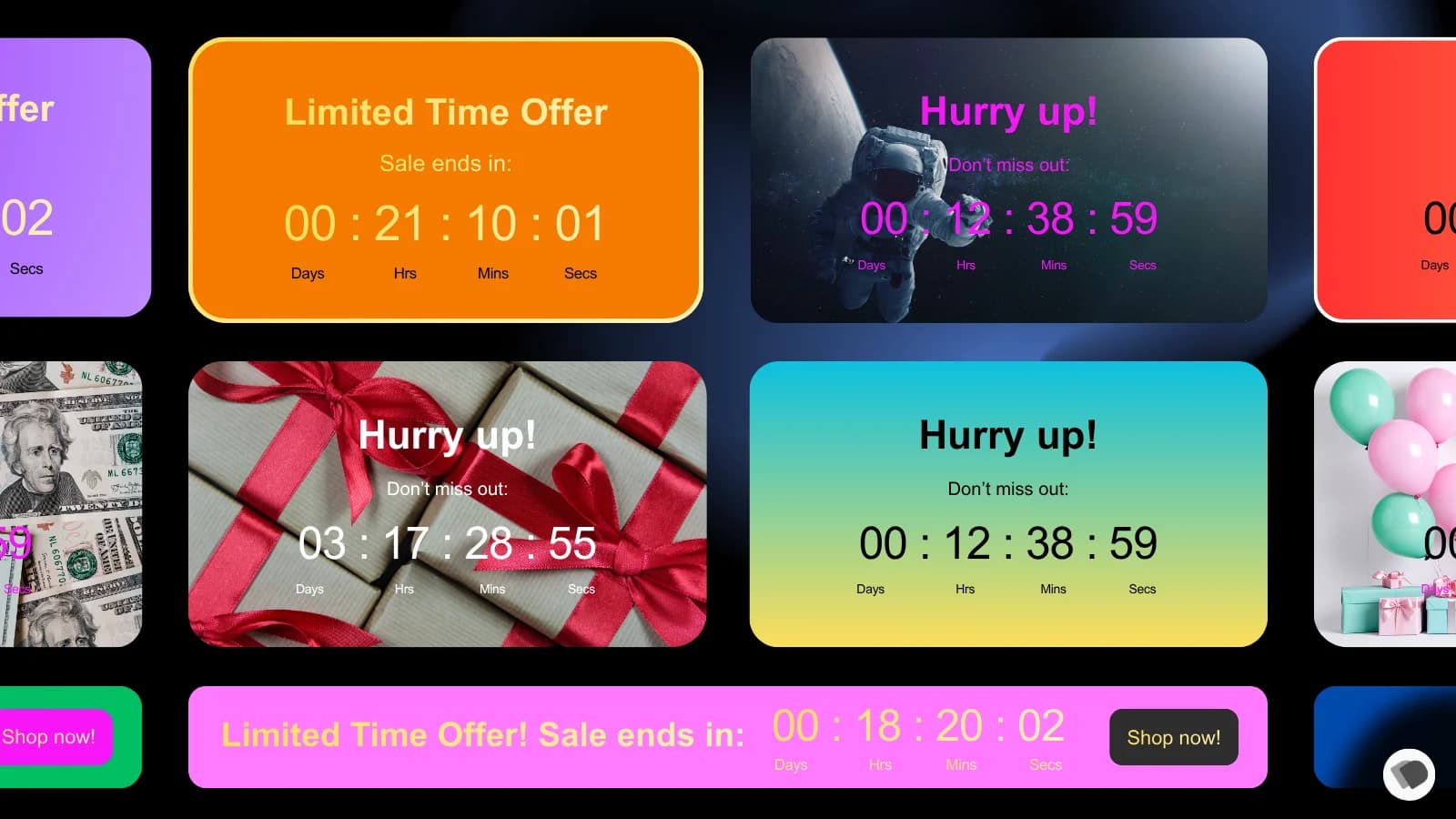 Countdown321Shopify App StoreShopify app for countdown and time-based storefront messaging.
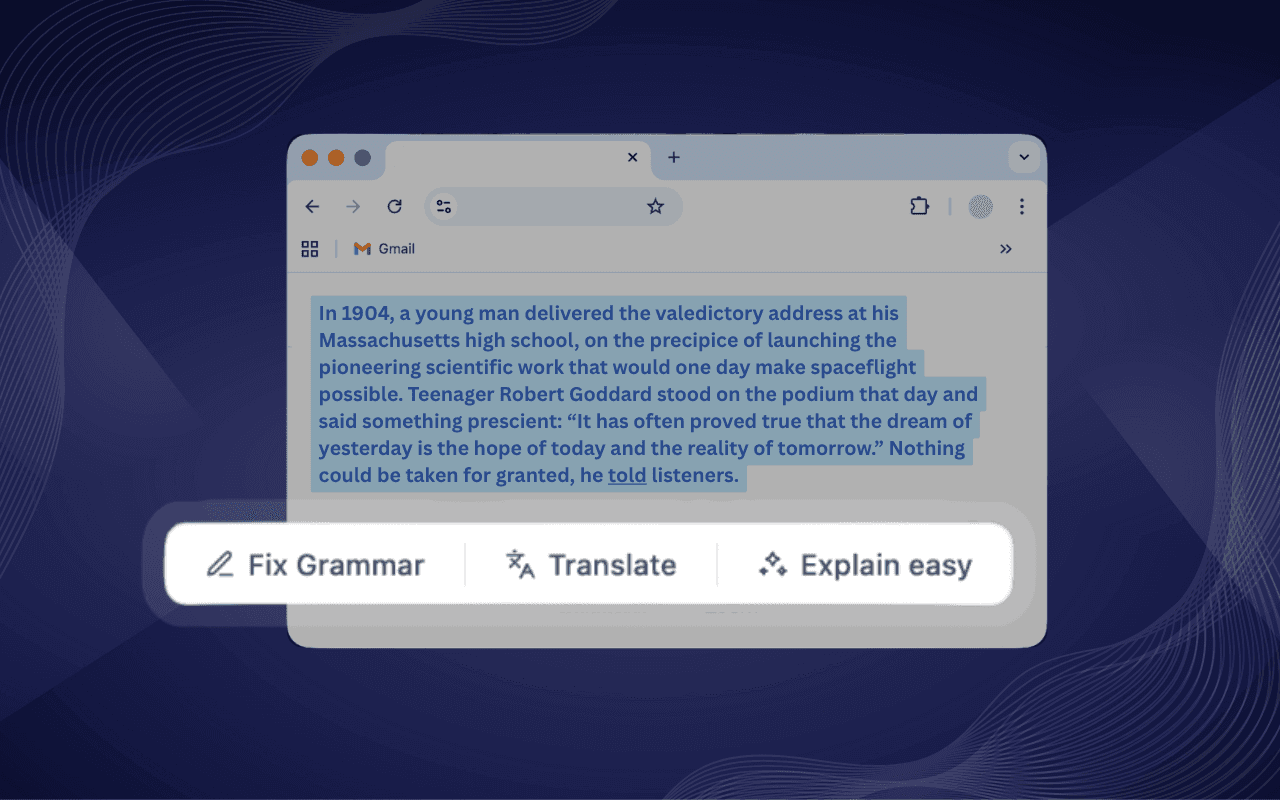 ClickPilot AIChrome Web StoreAI writing assistant for Chrome with fix, rewrite, summarize, translate, and custom shortcut actions inside text fields.
The written proposal says what we build, what it costs and when it is ready, and it starts from the hours repetitive work costs you today.
Start from your hours.
Today it costs you hours a month.
Four questions, one minute. The proposal starts from that number.
Count your hours